---
type: doc
title: Aspect Ratio
description: Displays content within a desired ratio.
---
```astro live props={{ name: 'aspect-ratio' }}
---
import { AspectRatio } from "@/components/ui/aspect-ratio"
---
16:9
```
## Installation
```bash
npx shadcn@latest add @fulldev/aspect-ratio
```
## Usage
```astro
---
import { AspectRatio } from "@/components/ui/aspect-ratio"
---
 ```
## Examples
### Common Ratios
The ratio is width divided by height.
```astro live
---
import { AspectRatio } from "@/components/ui/aspect-ratio"
---
```
### Image
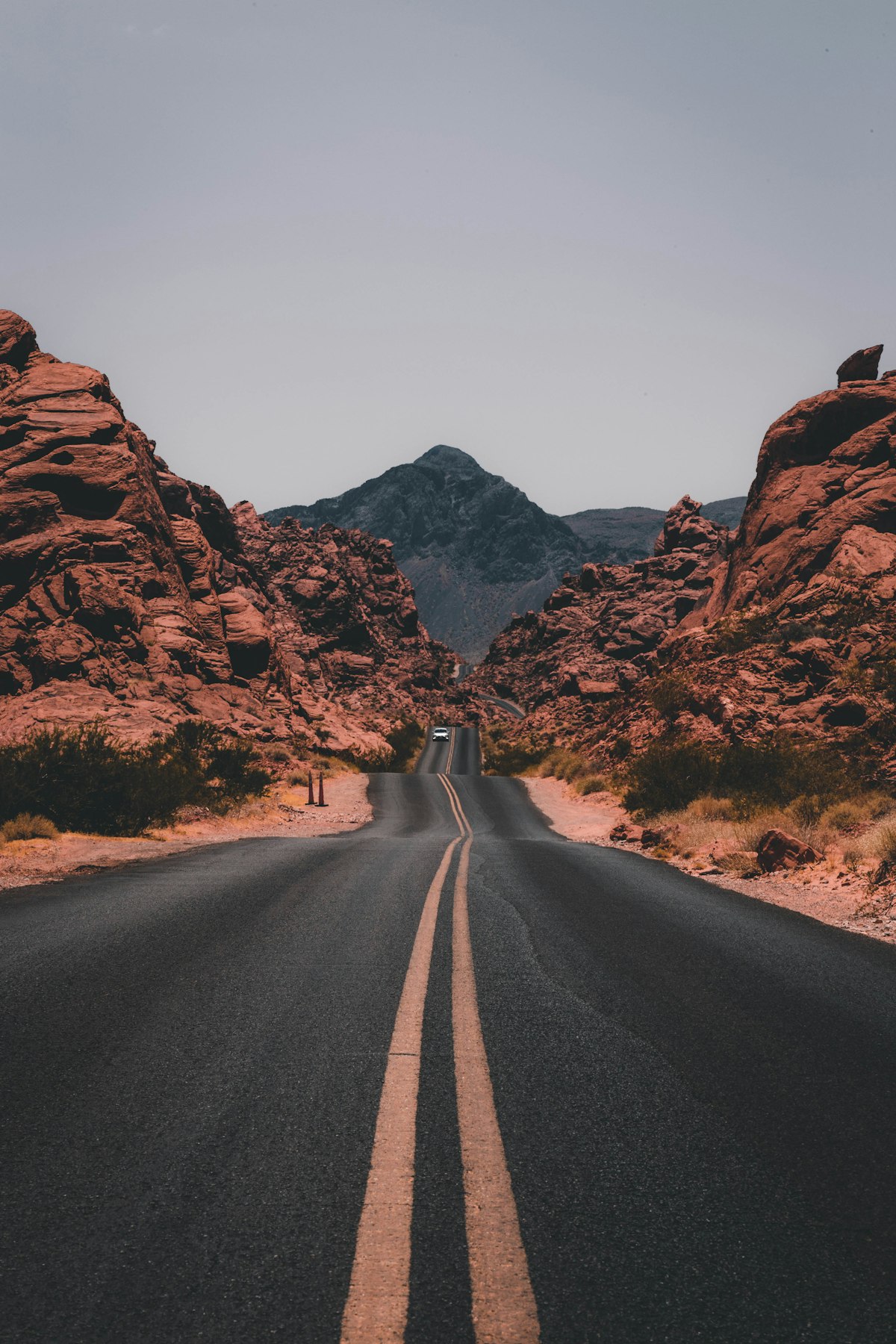
The child controls its own crop. Use `object-cover` to fill the available area.
```astro live
---
import { AspectRatio } from "@/components/ui/aspect-ratio"
---
```
## Examples
### Common Ratios
The ratio is width divided by height.
```astro live
---
import { AspectRatio } from "@/components/ui/aspect-ratio"
---
```
### Image
The child controls its own crop. Use `object-cover` to fill the available area.
```astro live
---
import { AspectRatio } from "@/components/ui/aspect-ratio"
---
 ```
## API Reference
| Prop | Type | Default | Description |
| ------- | -------- | -------- | ------------------------------------------ |
| `ratio` | `number` | required | Width divided by height, such as `16 / 9`. |
`class`, `style`, and other div attributes are forwarded. String and object style values are merged with the internal ratio variable.
See the [GitHub source code](https://github.com/fulldotdev/ui/tree/main/src/components/ui/aspect-ratio) for the component source.
```
## API Reference
| Prop | Type | Default | Description |
| ------- | -------- | -------- | ------------------------------------------ |
| `ratio` | `number` | required | Width divided by height, such as `16 / 9`. |
`class`, `style`, and other div attributes are forwarded. String and object style values are merged with the internal ratio variable.
See the [GitHub source code](https://github.com/fulldotdev/ui/tree/main/src/components/ui/aspect-ratio) for the component source.